PRODUCT UPDATE · 23 NOVEMBER 2026
Your workspace. A clearer way forward.
Fewer unnecessary choices. More ways to put your information to work. Explore personal tags, daily writing and the KotNote Professional toolkit.
AVAILABLE · FREE & PRO · BROWSER & WINDOWS 0.8.0
Not every topic has to be your topic.
Broad profile catalogs are a source of optional additions. Ordinary selectors and filters use your starter choices, the options you explicitly add or create, and your existing personal selections.
New profile selections start with six tags and three Interests. Reduce an old full catalog with usage counts to guide you. Disabling a choice does not remove its assignments from existing notes.
Tutorial: simplify your choices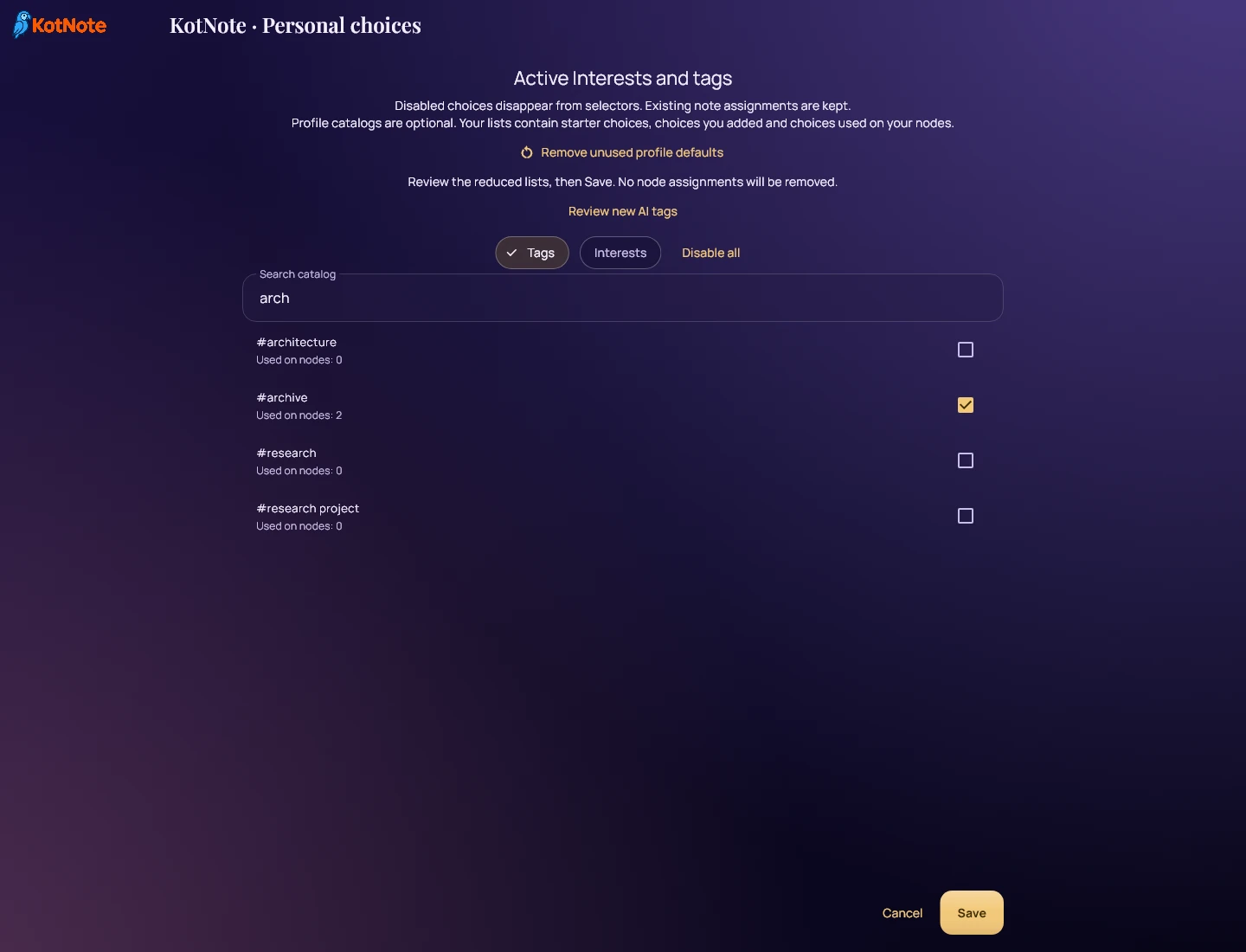
AVAILABLE · FREE & PRO · BROWSER & WINDOWS 0.8.0
AI can suggest. You decide.
An approved import batch can use tags that are already active. New AI-proposed names remain pending for review instead of expanding your catalog automatically. Select only the suggestions you find useful, then approve them.
Sending text to OpenAI still requires approval for each import batch. You can import your files without AI, too.
Tutorial: review new AI tags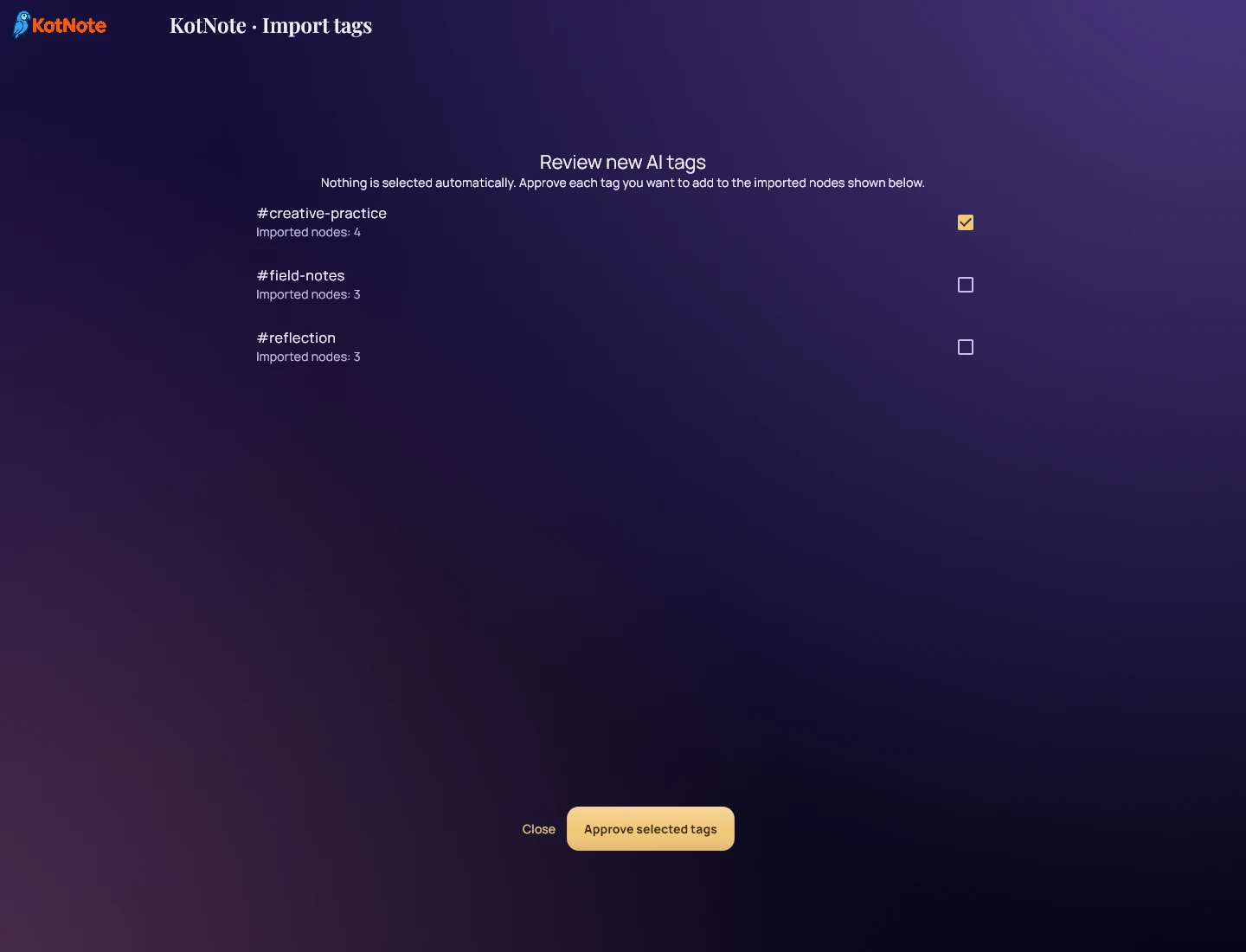
Personal choices and AI-tag review are available in both the browser and Windows x86-64 app, version 0.8.0.
AVAILABLE · FREE & PRO · BROWSER AND WINDOWS
Give each day a page of its own.
Write a timed entry or leave a whole-day thought in the free-text area. Use the calendar to revisit a day and see its other notes alongside it. Start a new note even when the day is empty.
When the day changes, entries stay together in one dated journal node. Unfinished text stays attached to its original day.
Tutorial: write your first day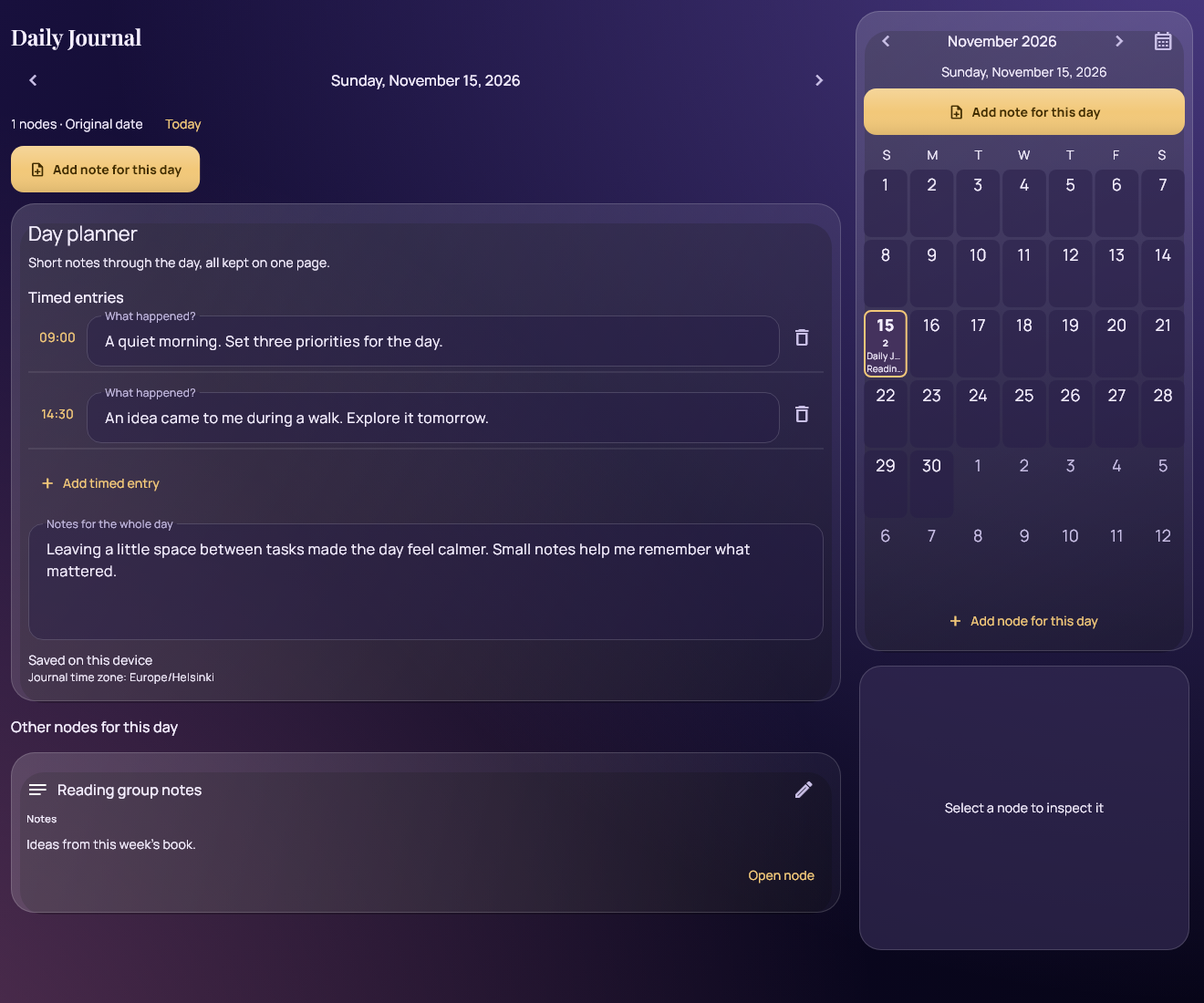
KOTNOTE.PRO — PROFESSIONAL VERSION
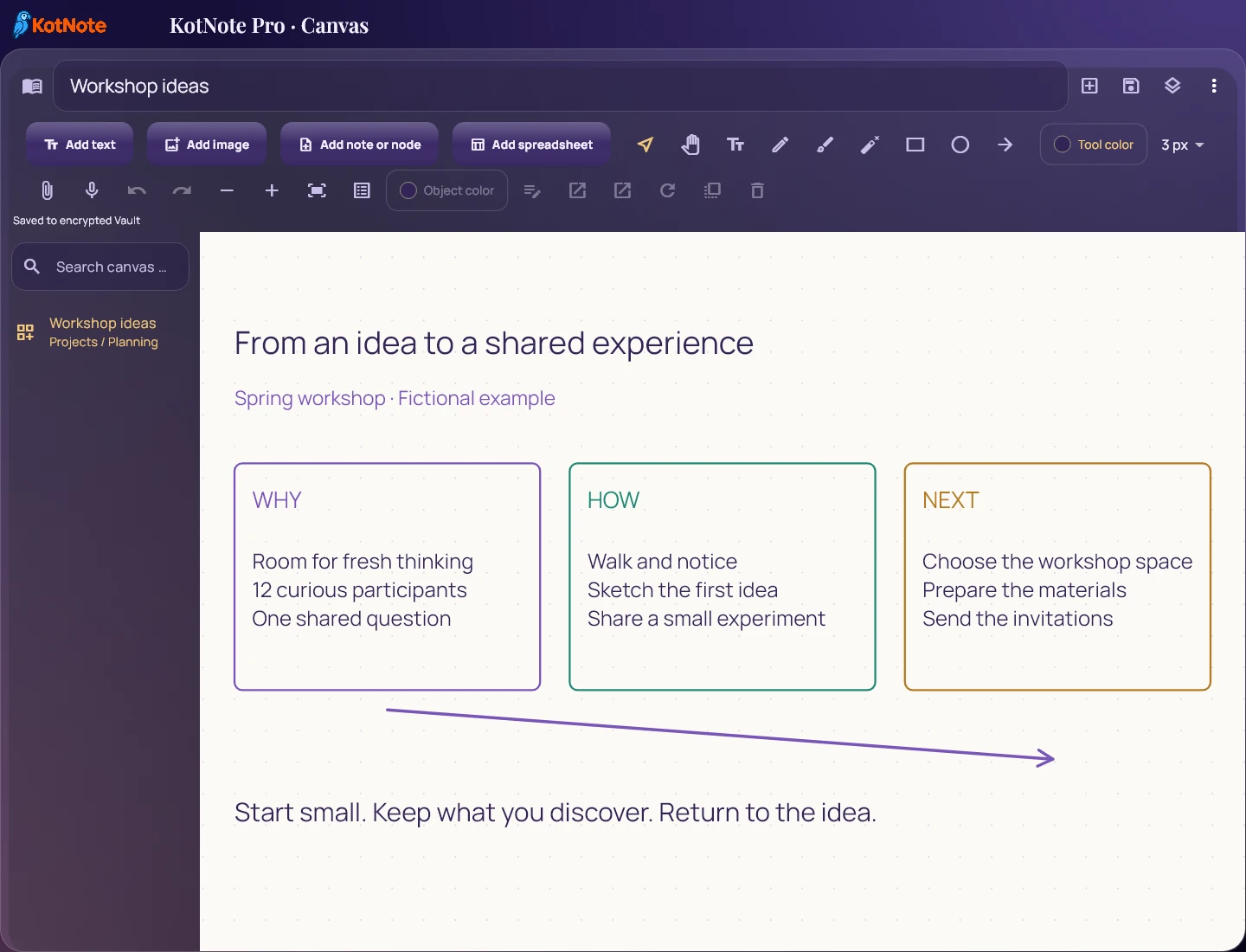
When the idea needs more room.
Keep the familiar Free tools and add visual planning. KotNote Pro brings layers to Canvas, Excel import/export to portfolios, editable diagrams and roadmaps you can draw across dates.
- No plan-based note or tab limits.
- Idea Generator, Business Simulator and Graphical To-do Editor.
- Dictation and separately authorized one-way Gmail/Google Calendar imports.
- Advertising off by default. The same account and encrypted note synchronization.
€15 / month
Activate a one-calendar-month trial in the app’s Pro screen without a card or automatic charge. One trial per account. Paid subscriptions are not open yet.
Technical size and provider limits still apply. Your account’s trial or entitlement unlocks Pro, not the website address.
AVAILABLE · FREE & PRO · 0.8.0
Turn shared ideas into shared work.
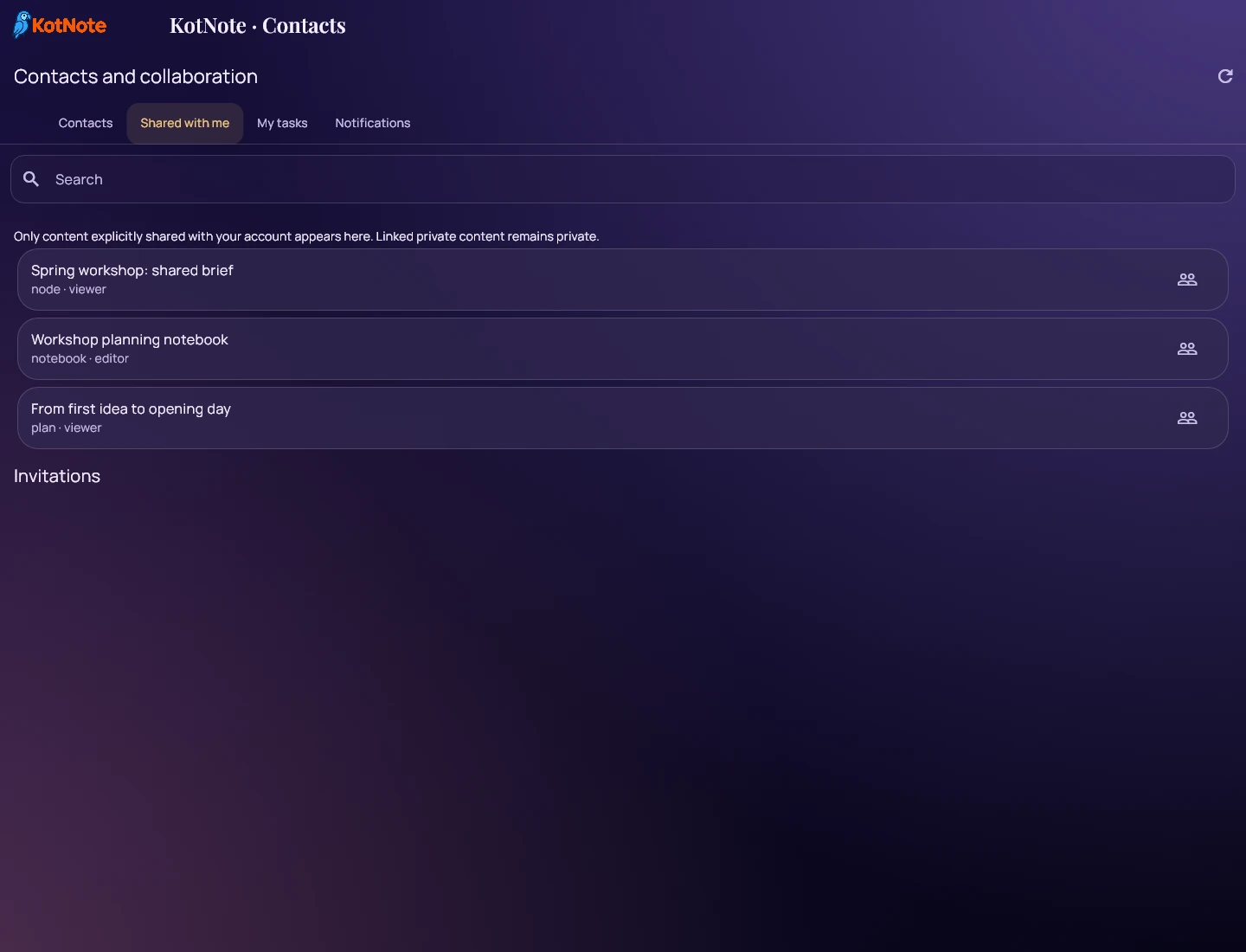
The collaboration release adds contacts, node and notebook sharing, shared Action Plans and named calendars. Choose viewing or editing access separately while keeping shared content encrypted.
Comments, mentions, task assignments and event invitations help people follow the work. A new recipient may wait for the sender to synchronize before access activates. Changes synchronize; this is not live simultaneous co-editing.
Available in Free and Pro. Sharing requires a verified email address.
Read the sharing tutorial